FMail2, the free native Mac application for Fastmail users.
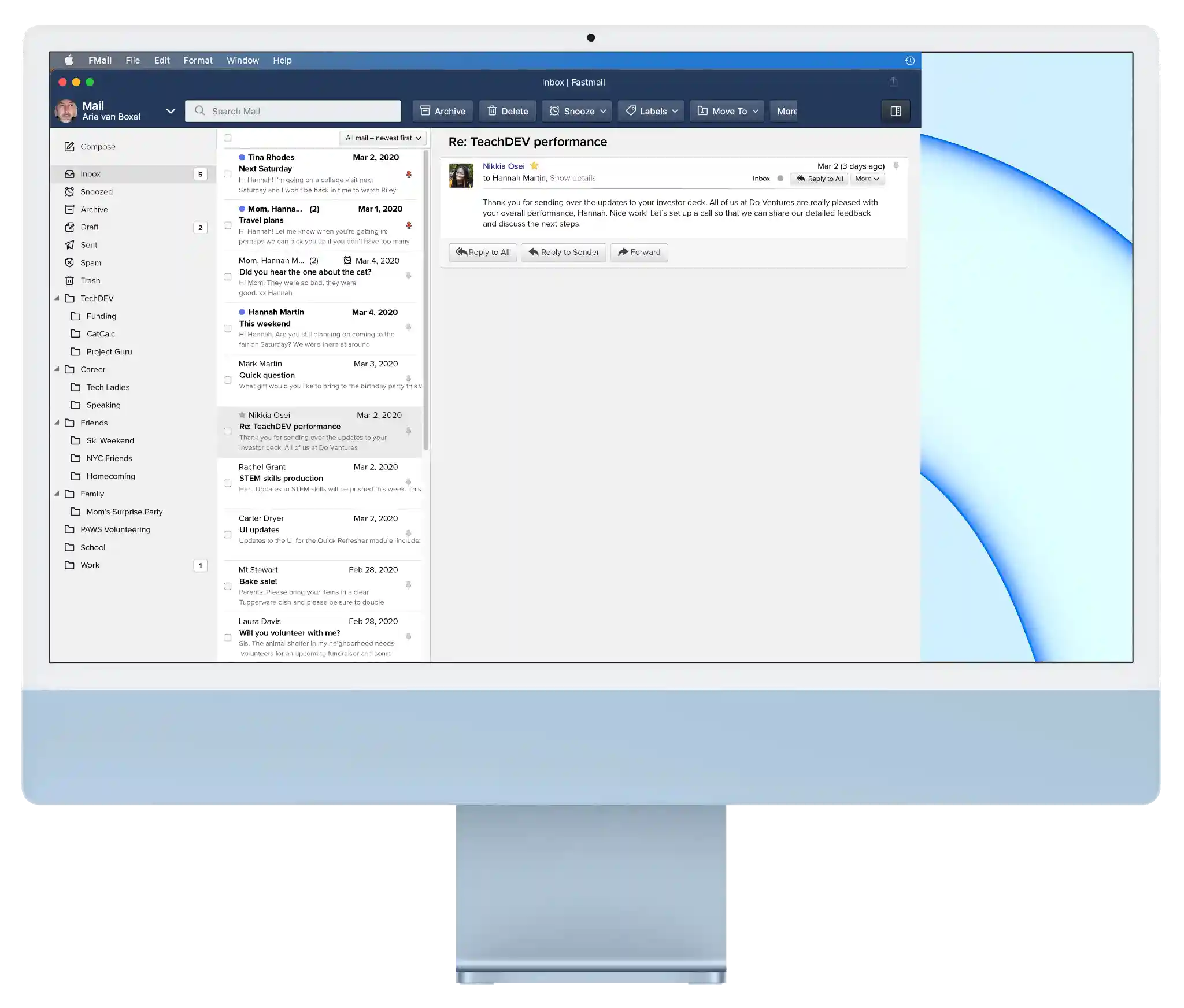
For iOS and Android there are native clients, but not for macOS. The web interface used by Fastmail is excellent. The big thing missing for me, is that the web interface cannot react like a native mail application. It can, for example, not handle email links. When you click on such a link it is the macOS Mail application that opens. That is not what we want.
What's in it
- It is a native macOS application
- Advanced Settings
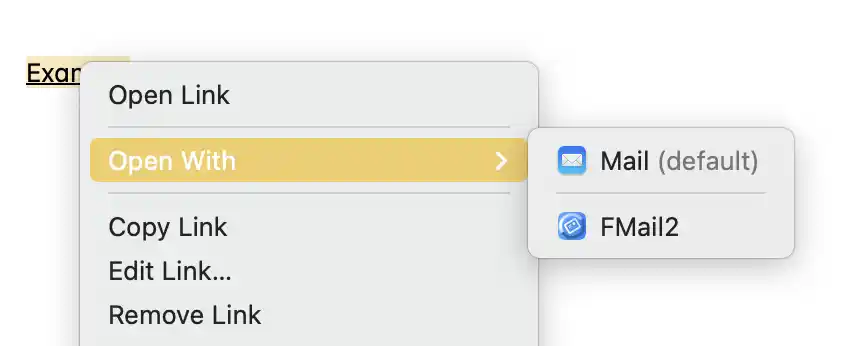
- Clicking an email link elsewhere will open the Compose panel, with all provided fields filled (if you have made FMail2 your default email client)
- FMail2 will offer to be the default email program
- FMail2 supports native macOS tabs and remembers the tabs as they were when you closed the program (no more then 6 tabs are reopened; otherwise Fastmail complains there are too many connections)
- ⌘ click on a link will open a new tab
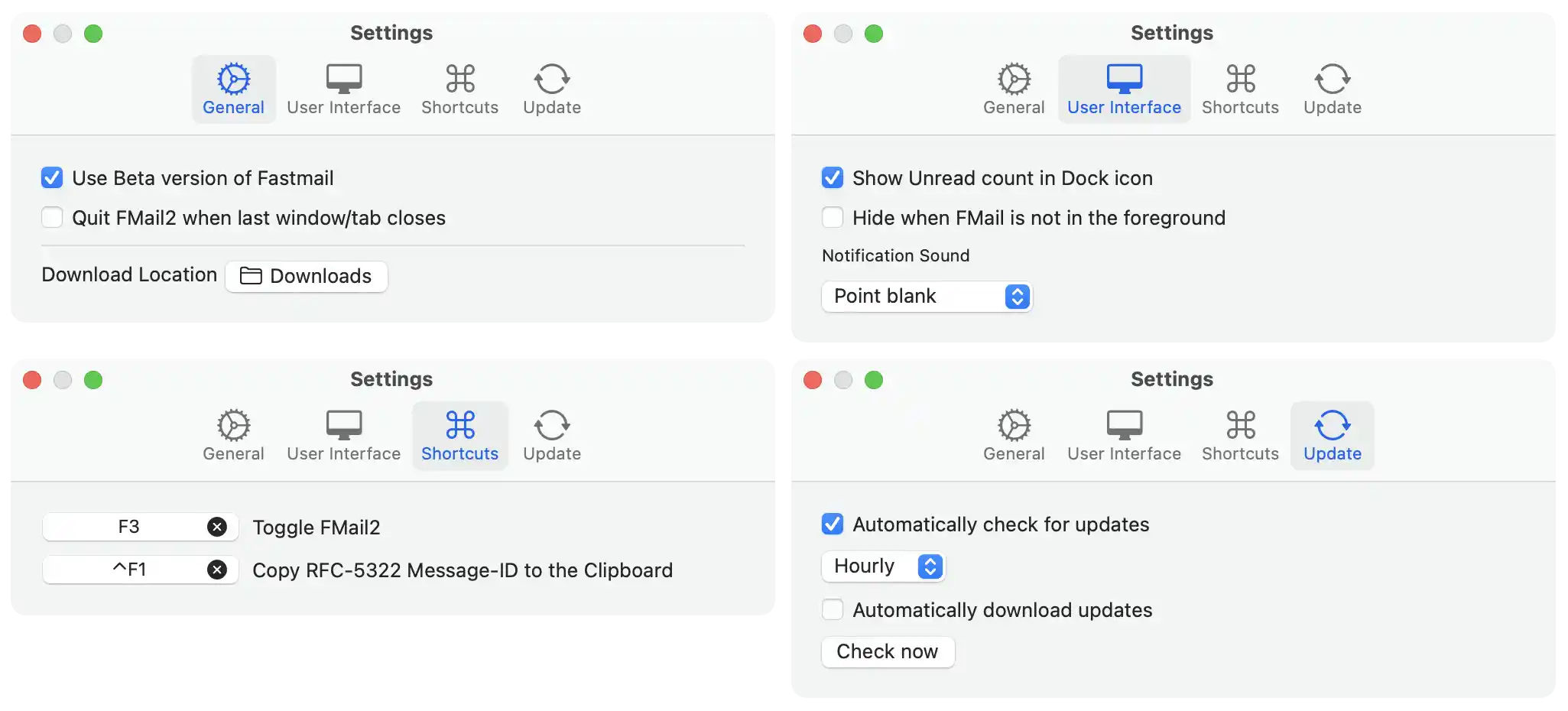
- Decide what you want to use as your Downloads folder
- Run the Fastmail beta version (if some functions do not work anymore, start by disabling this option in the Settings)
- Can show the number of unread emails in the Dock icon
- The title bar has history buttons, shows the used Fastmail url (in red when beta), scale buttons and a padlock for selecting to hide when FMail2 does not have the focus

- Adjusts to Light and Dark Appearance (you can temporarily override the Fastmail settings)

- You can choose to automatically hide FMail2 if it loses focus
- Native Print of emails
- Attachments are downloaded from inside the application
- Attachments can be previewed (pdf, jpeg etc.)
- Safe: Not running in your browser means you are better protected against web tracking
- Safe: Mouse over will show you all links, so you know before you click
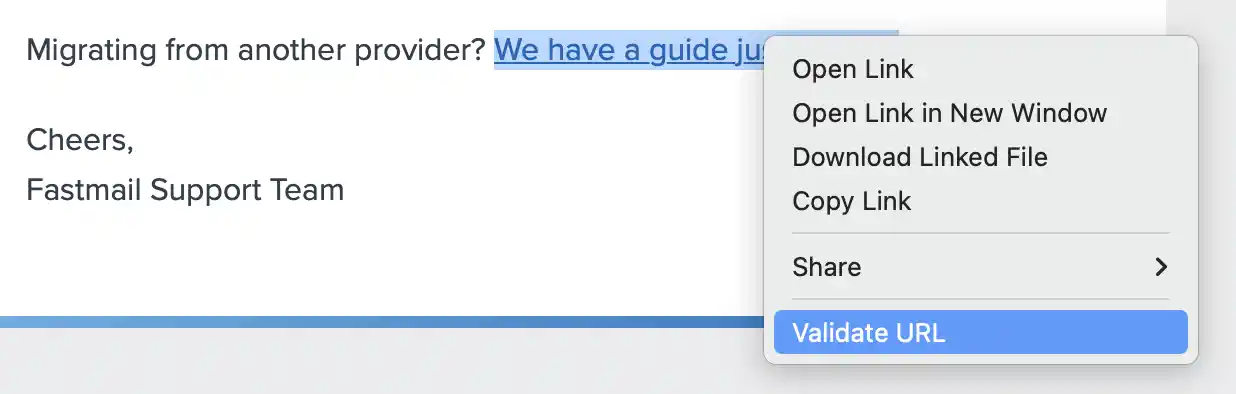
- Safe: A contextual menu let you check the real address of an URL, also a shortened one
- Copy a RFC-5322 compliant Message-ID to the clipboard via a shortcut, the Edit menu or the contextual menu and paste it in an application that supports hyperlinks
Later on open the message in FMail2 (or Mail) from that link. - Runs natively on Apple Silicon, is notarized by Apple and sandboxed
- Automatic updates (if you want)
- Localized in English, French and Dutch
- Less then 10MB in size
Tips on using FMail2
My experience is that Fastmail users are easy with computers. You know you can start a program when you log in via the System Preferences -> Users & Groups -> Login Items.
Using tabs is handy too. Compose a new email by ⌘ clicking the Compose button, to add a new tab with the Compose screen opened (you can do this with any Fastmail link).

Free Download
Open this page on your Mac to download FMail2
FMail2 runs on macOS 11.3 Big Sur and higher
and is notarized by Apple.
If you find FMail2 useful you could
Disclaimer
If Fastmail decides to change the underlying code, there is no guarantee I can keep FMail2 alive.